Microsoft Teams
A teleprompter that fits your screen.
The overlay sits right under your camera. Share your screen — it never lands in the stream.
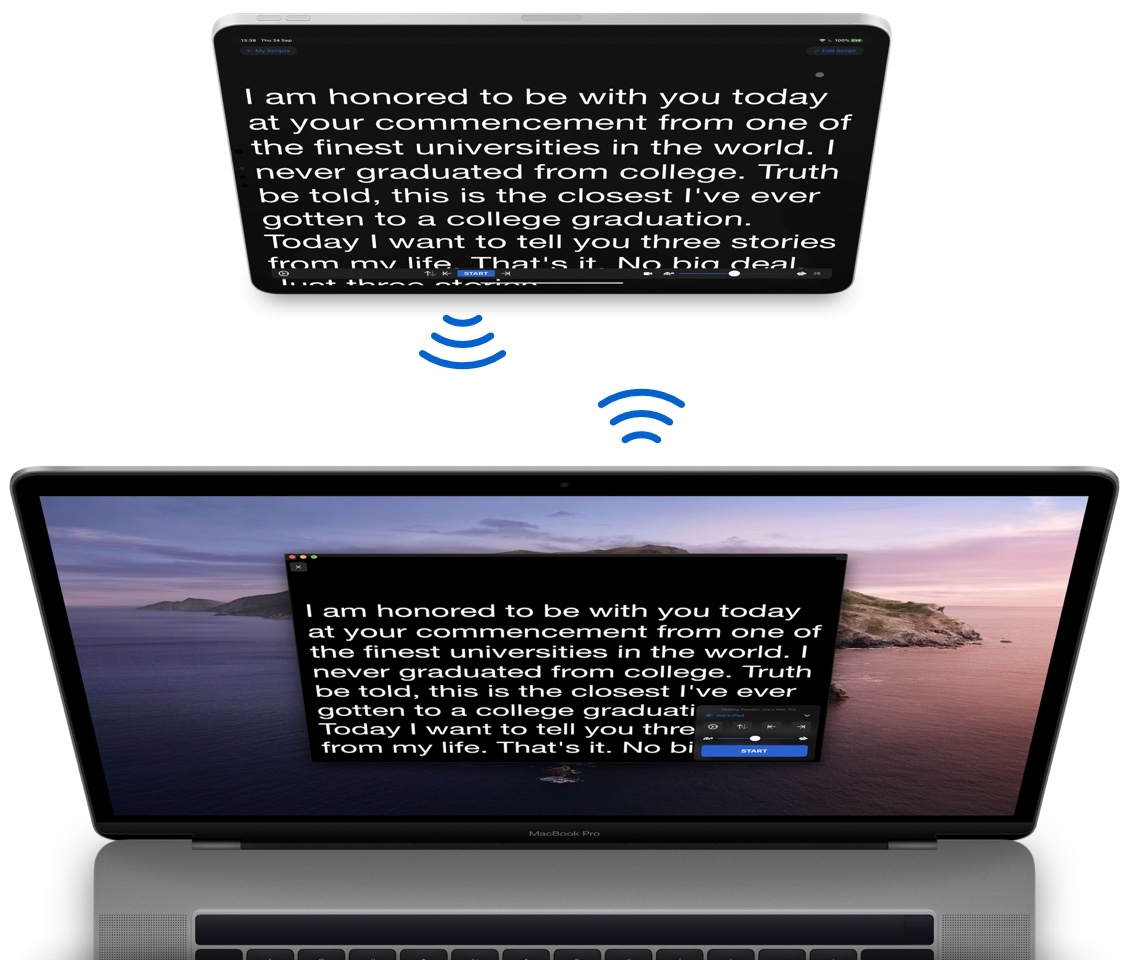
For macOS
A teleprompter that lives on your screen and disappears from every recording, share and call.
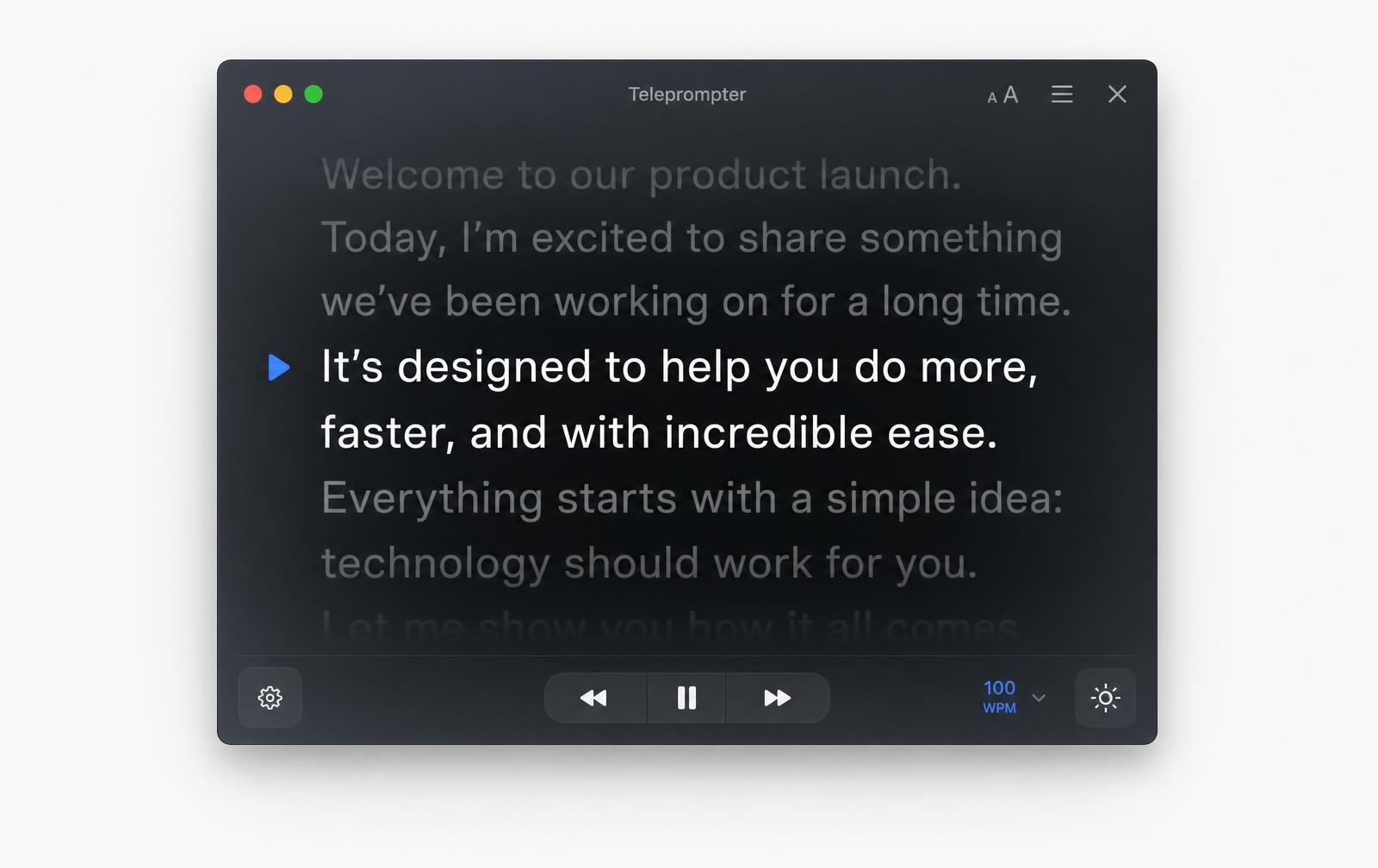
The proof
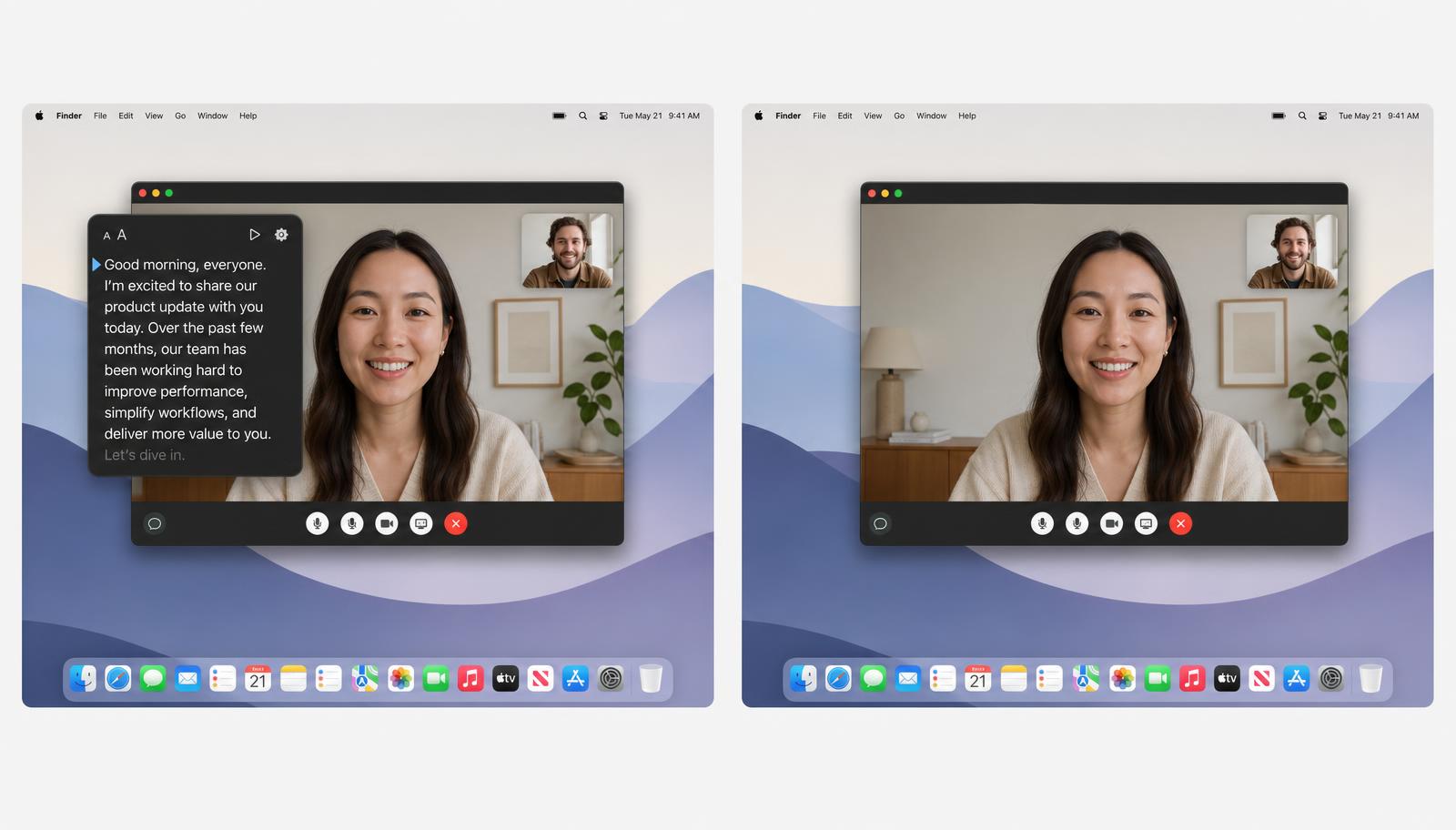
In your calls
Microsoft Teams
The overlay sits right under your camera. Share your screen — it never lands in the stream.
Google Meet
Position your script around the MacBook camera notch and read naturally while keeping your face and framing completely clear.
Speed
40–220 WPM, nudge on the fly.
Hotkeys
Play, jump, hide — globally.
Displays
Follows the active display.
Opacity
Glass to solid, in one drag.
01
Drop in text, Markdown or a doc. It reflows instantly.
02
Drag it right under your camera and set the opacity.
03
Everyone else sees a clean, empty desktop.
Free 14-day trial · No account